
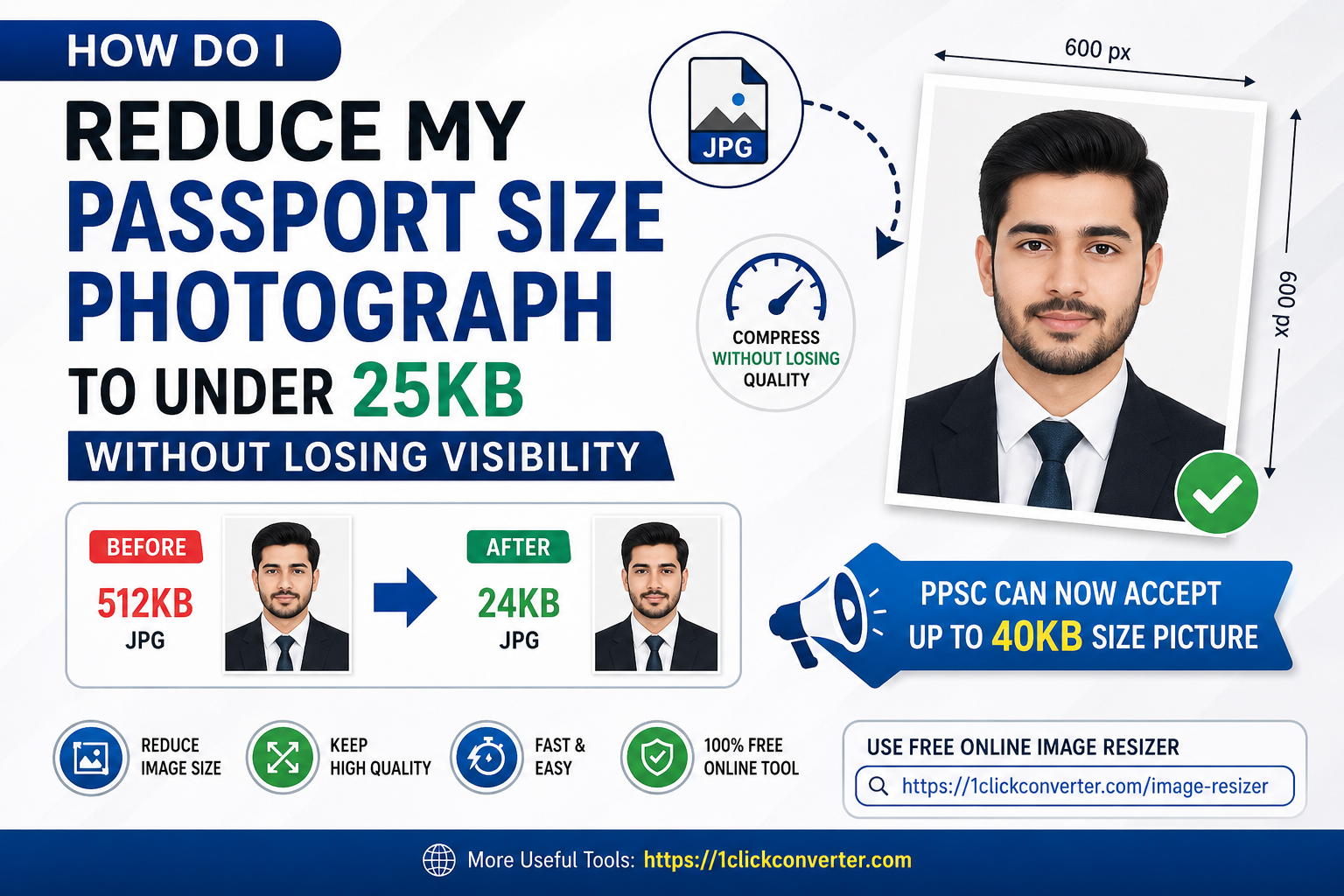
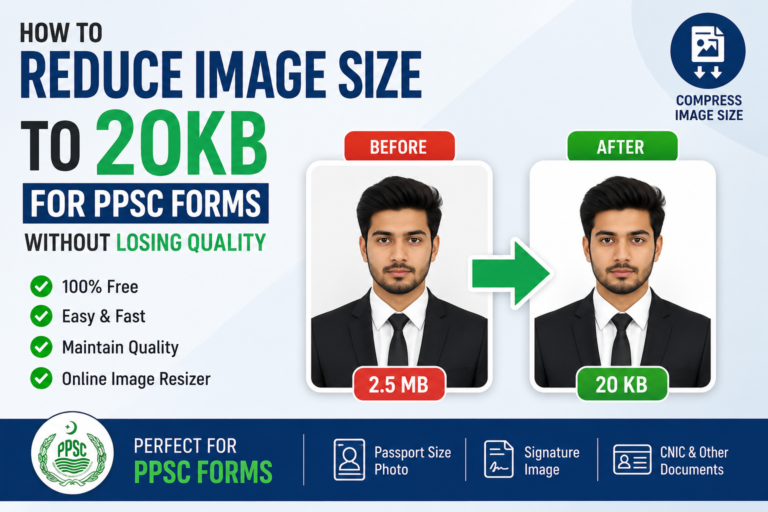
Reduce Size of Photograph for PPSC to Under 25KB is a major challenge to apply for any Government jobs through PPSC. Uploading a passport size photo for online applications can be frustrating, especially when websites reject your image because of file size limits. Many government job portals, university admissions, and exam forms in Pakistan require passport size photos under a specific size such as 25KB or 40KB. The good news is that you can now easily compress and resize your image without making it blurry or unreadable.
If you are wondering how to reduce your passport size photograph to under 25KB without losing visibility, this guide will help you step by step. You will also learn about the latest image requirements for Reduce Size of Photograph for PPSC to Under 25KB.
Why Do Online Portals Require Small Image Sizes?
Most online application systems limit image sizes to save server storage and improve upload speed. Large images take more time to process, especially when thousands of applicants upload files simultaneously.
Common reasons for image size restrictions for Reduce Size of Photograph for PPSC to Under 25KB include:
- Faster form submissions
- Reduced website load
- Standardized image dimensions
- Easy document verification
- Better compatibility with government portals
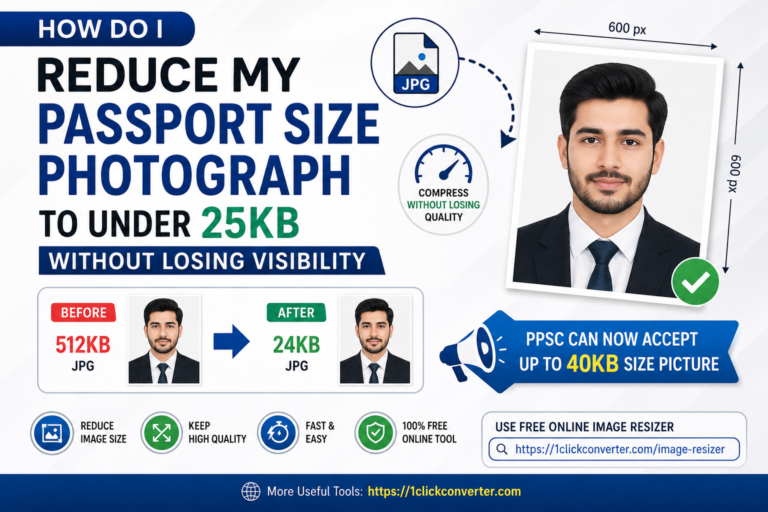
Earlier, many applicants struggled because websites only accepted photos under 25KB. However, now Punjab Public Service Commission (PPSC) can accept images up to 40KB in many cases, making the process easier for candidates.
Latest PPSC Photo Size Requirement
Previously, applicants had to Reduce Size of Photograph for PPSC to Under 25KB, which often caused blurry or low-quality images. Fortunately, PPSC now allows images up to 40KB on many online forms.
This means:
| Requirement | Old Limit | New Accepted Limit |
|---|---|---|
| Passport Size Photo | 25KB | Up to 40KB |
Even though the size limit increased, many applicants still prefer compressing images below 25KB because other websites and job portals continue to use strict limits.
Best Way to Resize Passport Size Photo Online
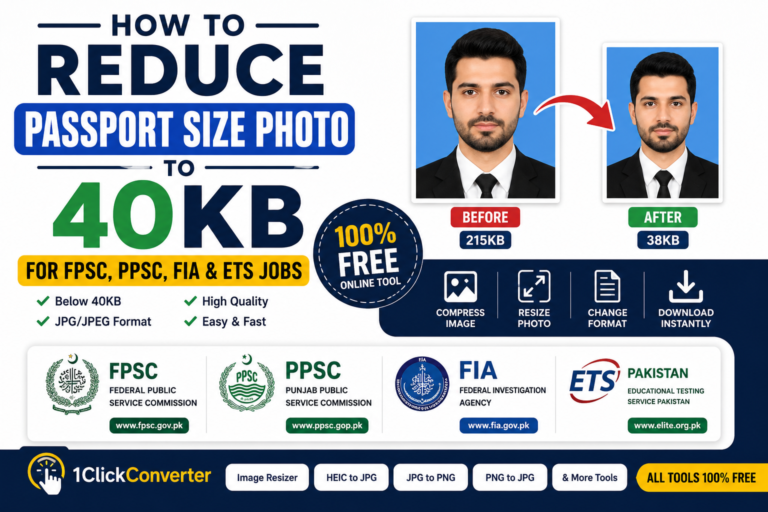
The easiest method is using an online image resizer and compressor tool. Instead of downloading heavy software, you can Reduce Size of Photograph for PPSC to Under 25KB.
You can use the free online image resizing tool here:
This tool helps you:
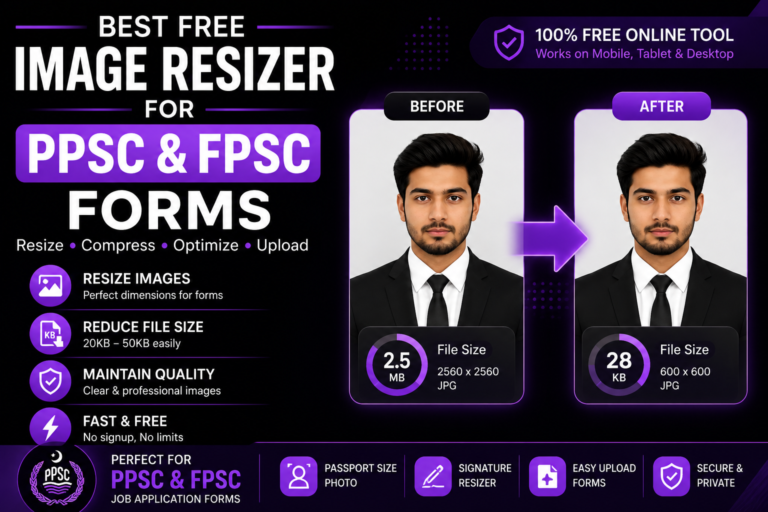
- Reduce image size to 25KB or 40KB
- Compress passport size photos
- Maintain image clarity
- Resize dimensions instantly
- Convert and optimize images online
For more file conversion and image optimization tools, visit:
Step-by-Step Guide to Reduce Size of Photograph for PPSC to Under 25KB
1. Open the Image Resizer Tool
Visit the online image compression tool and upload your passport size photo.
2. Select Compression Level
Choose the desired image size limit:
- Under 25KB
- Under 40KB
- Custom image size
3. Adjust Image Dimensions
Most passport photos work well with dimensions like:
- 300×300 pixels
- 400×400 pixels
- 600×600 pixels
Reducing dimensions also helps decrease file size.
4. Compress the Image
The tool automatically optimizes image quality while Reduce Size of Photograph for PPSC to Under 25KB. This prevents extreme blur or pixelation.
5. Download the Optimized Photo
Once compressed, download the resized image and upload it to your application form.
Tips to Reduce Image Size Without Losing Visibility
Many people compress images too aggressively, making their face unclear. Follow these tips to maintain visibility and Reduce Size of Photograph for PPSC to Under 25KB:
Use JPG Format
JPG images usually have smaller file sizes than PNG images while keeping acceptable quality.
Avoid Screenshot Photos
Always use the original camera image instead of screenshots because screenshots often increase unnecessary file size.
Keep Proper Lighting
Bright and clear images compress better than dark or noisy pictures.
Resize Before Compressing
Reducing image dimensions first helps maintain better quality during compression.
Use Smart Compression Tools
Advanced image optimization tools remove unnecessary data while preserving facial details.
Common Problems While Uploading Passport Photos
“Image Size Too Large”
This happens when the photo exceeds the portal limit. Compress the image again or reduce dimensions.
“Invalid Image Format”
Most websites only accept:
- JPG
- JPEG
- PNG
Blurry Passport Photo
Over-compression can make the image unclear. Use moderate compression instead of maximum compression.
Upload Error
Sometimes browser cache causes upload problems. Refresh the page or try another browser.
Why Online Image Resizers Are Better Than Mobile Apps
Online image resizing tools are becoming more popular because they are:
- Faster
- Free to use
- No installation required
- Compatible with mobile and desktop
- Easy for beginners
The online tool at:
works directly in your browser and helps resize passport size photos in seconds.
Who Needs Passport Photo Compression?
Image resizing tools are useful for:
- Government job applicants
- Students applying online
- Visa applications
- Freelancers
- Exam registrations
- Scholarship applications
- NADRA-related forms
Whether you are applying through PPSC, FPSC, universities, or private companies, image compression is often necessary.
Best Image Size for Online Applications
Here are some commonly accepted sizes:
| Platform Type | Recommended Image Size |
|---|---|
| Government Jobs | 25KB–40KB |
| University Admissions | 20KB–50KB |
| Visa Applications | 50KB–100KB |
| Online Portals | Under 100KB |
Always read the official instructions before uploading your image.
Final Words
Reducing a passport size photograph to under 25KB without losing visibility is now very easy. Modern image compression tools intelligently optimize photo size while maintaining image quality. Although PPSC now accepts images up to 40KB, many applicants still prefer smaller file sizes for faster uploads and compatibility with different portals.
If you need a quick and free solution, try the online image resizing tool here:
You can also explore more useful file conversion and optimization tools on:
With the right image compression method, you can upload passport size photographs easily without worrying about blurry or rejected images.
2 Comments