Every year, thousands of students and job seekers in Pakistan apply for government jobs through online portals. However, one of the most common issues applicants face is image upload errors. Large file sizes, incorrect dimensions, and unsupported formats often prevent successful form submission. That is why many users search for the best free image resizer for PPSC and FPSC forms.
Whether you are applying for:
- Lecturer jobs
- FIA recruitment
- CSS exams
- Police jobs
- Teaching posts
- University admissions
you will likely need to resize your passport photo and signature according to official requirements.
In this complete guide, you will learn:
- Why image resizing matters
- Free Image Resizer for PPSC and FPSC Forms
- How to resize photos correctly
- Common mistakes to avoid
- Tips for maintaining image quality
Why Government Portals Require Small Images
Online recruitment systems handle thousands of applications daily. To improve website performance and reduce server load, official portals usually limit upload file sizes.
Websites like:
often require:
- Passport-size image
- Signature image
- Small file sizes
- JPG or JPEG format
If your image exceeds the allowed limit, the upload may fail instantly.
What Makes a Good Image Resizer?
The best free image resizer for PPSC and FPSC forms should provide:
Fast Compression
Users should resize images within seconds.
Quality Preservation
The image should remain clear after compression.
Mobile Compatibility
Most applicants use smartphones for applications.
Free Access
No paid subscriptions or software installation.
Beginner-Friendly Interface
Easy tools save time for students and first-time applicants.
Best Free Image Resizer for PPSC and FPSC Forms
One of the easiest online solutions is:
1ClickConverter Image Resizer
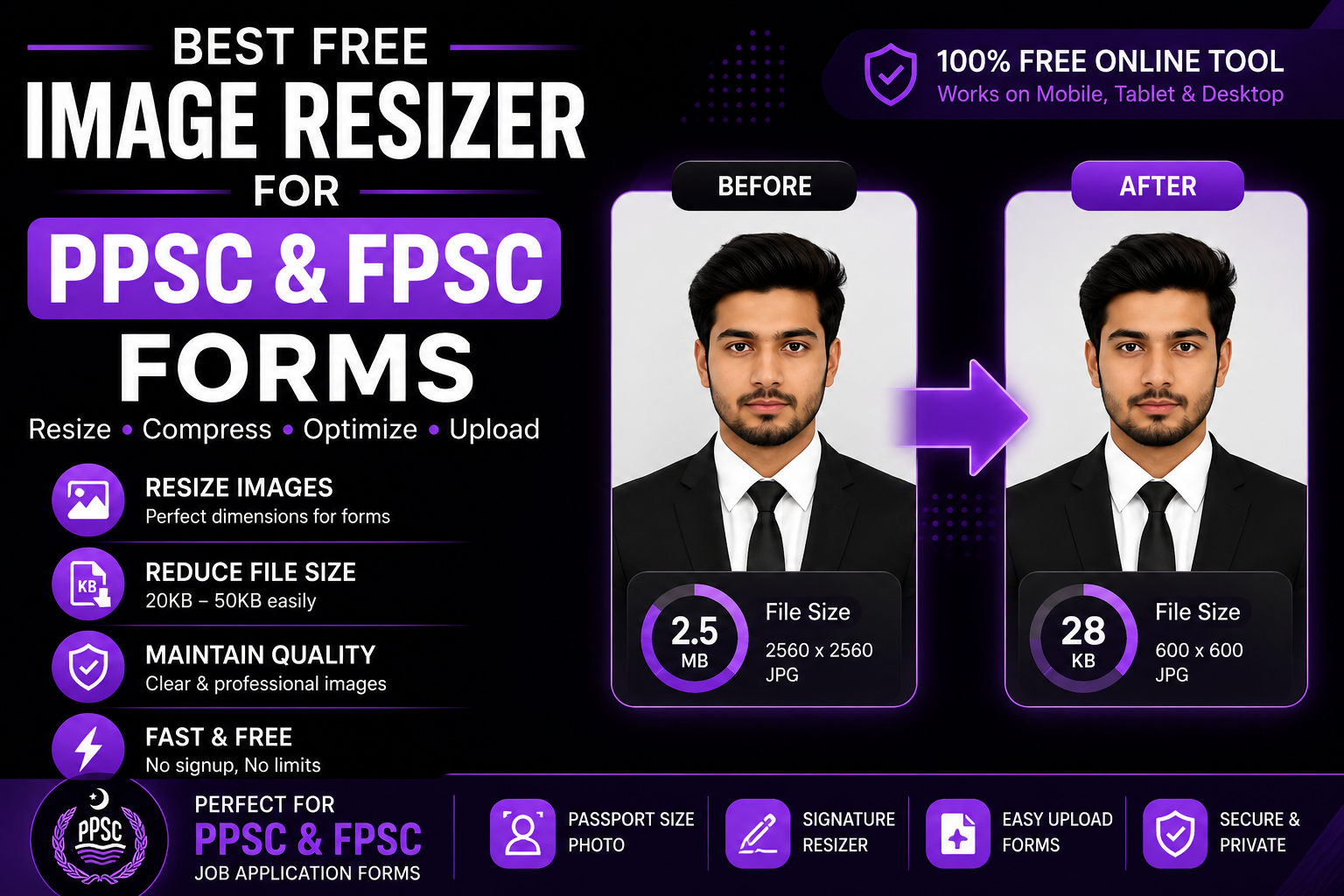
This free tool helps users:
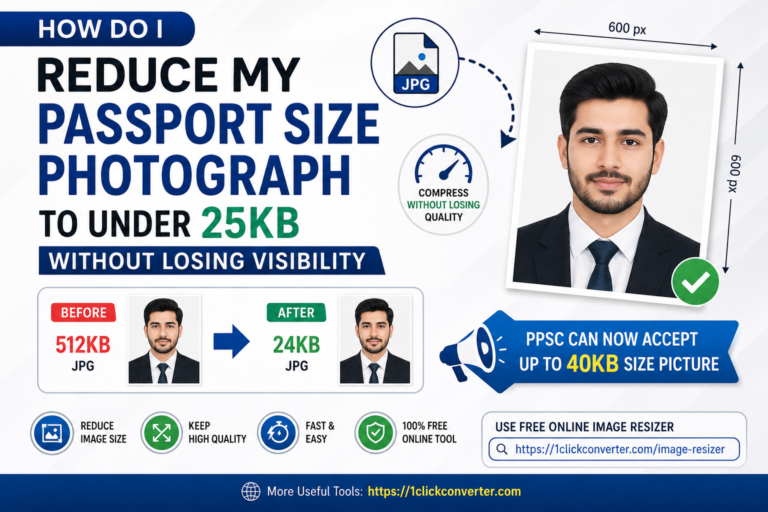
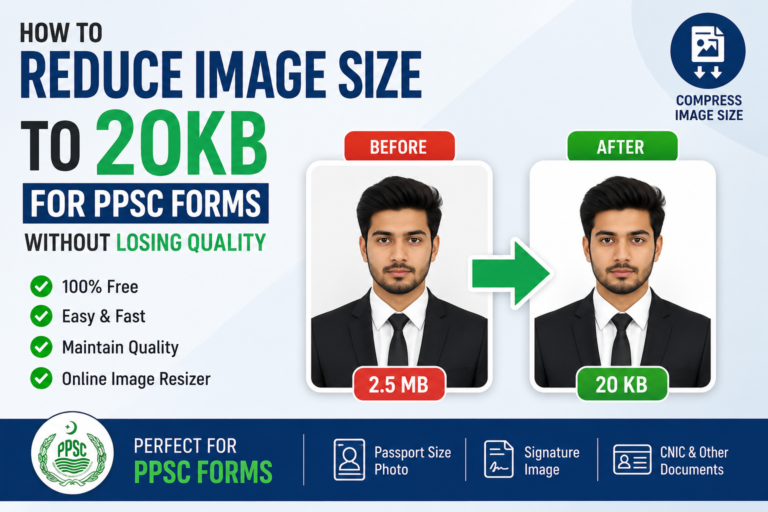
- Resize passport photos
- Compress signatures
- Reduce image KB size
- Convert formats
- Maintain image clarity
The tool works on:
- Android phones
- iPhones
- Laptops
- Desktop computers
without requiring software installation.
How to Resize Images for PPSC and FPSC Forms
Step 1: Open the Online Tool
Visit:
1ClickConverter Image Resizer
The tool opens directly in your browser.
Step 2: Upload Your Photo
Choose the image from:
- Mobile gallery
- Computer folder
- Laptop storage
Supported formats usually include:
- JPG
- JPEG
- PNG
Step 3: Select Compression Settings
For government forms:
- Use moderate compression
- Maintain clear face visibility
- Avoid excessive reduction
Most forms accept images between:
- 20KB
- 40KB
- 50KB
Step 4: Download the Final Image
After compression:
- Download the optimized image
- Check the final size
- Upload to your application form
The process usually takes less than one minute.
Best Image Sizes for Government Applications
Different portals may require different image limits.
| Platform | Recommended Image Size |
|---|---|
| PPSC | 20KB–40KB |
| FPSC | Under 50KB |
| FIA Jobs | JPG format |
| CSS Exams | Passport size |
| University Portals | Small optimized image |
Always read instructions carefully before uploading.
Why Mobile-Friendly Tools Matter
Today, most students use mobile phones for:
- Online applications
- Form submissions
- Document uploads
That is why the best Free Image Resizer for PPSC and FPSC Forms should work smoothly on smartphones.
Online browser-based tools are ideal because:
- No app installation needed
- Faster processing
- Works anywhere
- Saves storage space
Common Image Upload Problems
File Size Too Large
Modern phone cameras create huge image files.
Wrong Format
Some users upload PNG instead of JPG.
Blurry Images
Overcompression can reduce visibility.
Cropped Faces
Incorrect dimensions may cut important parts of the photo.
Tips to Maintain Image Quality
Use Bright Original Photos
Clear images compress better.
Avoid Screenshots
Original camera images maintain better sharpness.
Use JPG Format
JPG files are easier to optimize.
Do Not Overcompress
Extreme compression can blur facial details.
Keep Passport Dimensions
Use standard passport photo sizing whenever possible.
Benefits of Online Image Resizers
Saves Time
Instant image processing speeds up applications.
Prevents Upload Errors
Correct file sizes reduce rejection chances.
Easy for Beginners
No technical knowledge required.
Works on Slow Internet
Small images upload faster.
Other Useful Tools for Students
Besides image resizing, students often need:
- PDF compression
- JPG to PNG conversion
- HEIC to JPG conversion
- PDF merging
You can access multiple tools on:
1ClickConverter
Why Students Prefer Online Tools
Traditional editing software like Photoshop can be difficult for beginners. Online image resizers are much easier because they:
- Work instantly
- Require no installation
- Are mobile-friendly
- Save device storage
- Are usually free
This is why many applicants now rely on browser-based Free Image Resizer for PPSC and FPSC Forms.
Frequently Asked Questions
Which image format is best for PPSC forms?
JPG or JPEG is usually recommended.
Can I resize photos on mobile?
Yes. Online image resizers work perfectly on smartphones.
Will image quality reduce?
Slightly, but good tools maintain visibility effectively.
Is online image resizing safe?
Trusted platforms like:
1ClickConverter
provide browser-based image processing.
Final Words
Online applications are becoming increasingly common across Pakistan. Whether you are applying through PPSC, FPSC, or FIA Recruitment, using the best free image resizer for PPSC and FPSC forms can save time and prevent upload errors.
Instead of struggling with complicated software, you can quickly resize and compress your images online using:
1ClickConverter Image Resizer
It is fast, free, mobile-friendly, and ideal for students and job seekers.