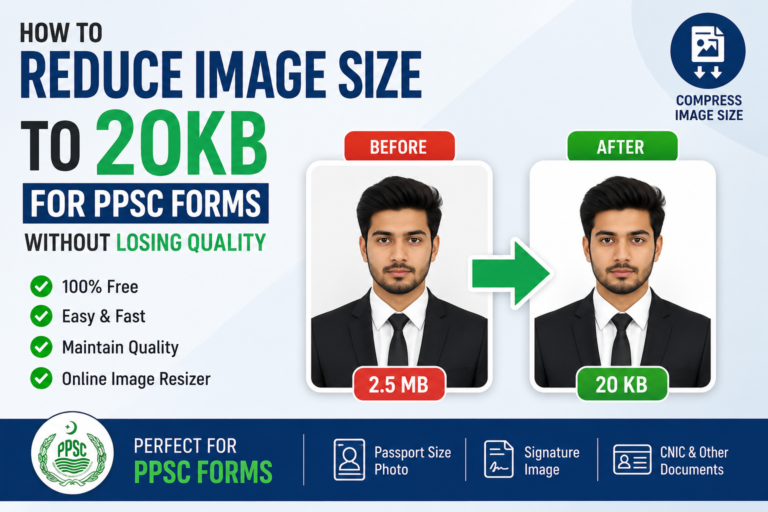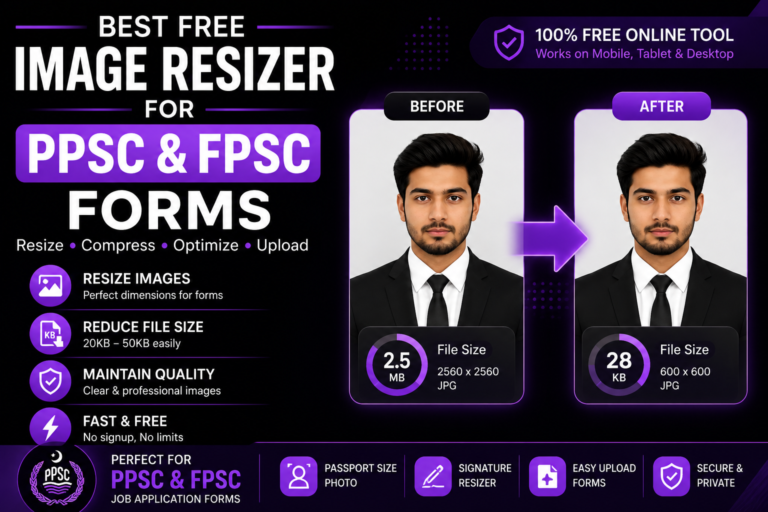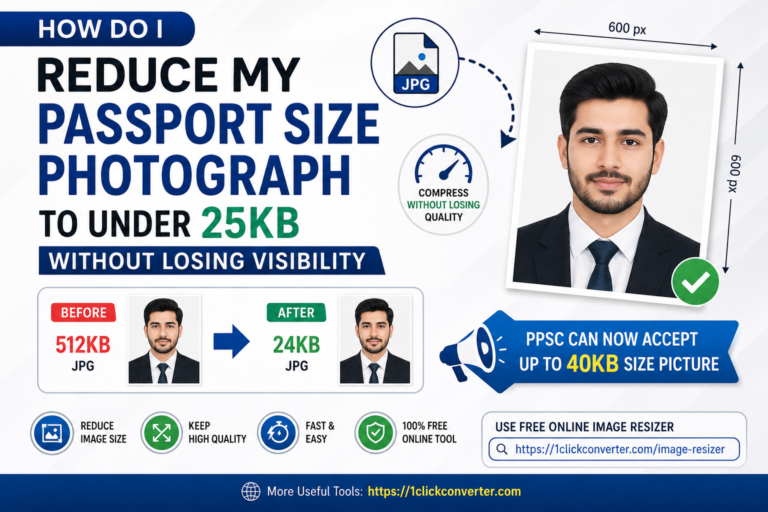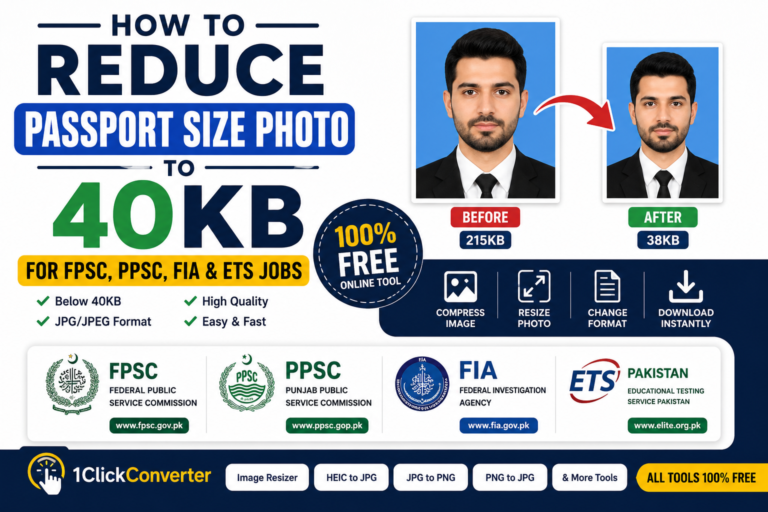
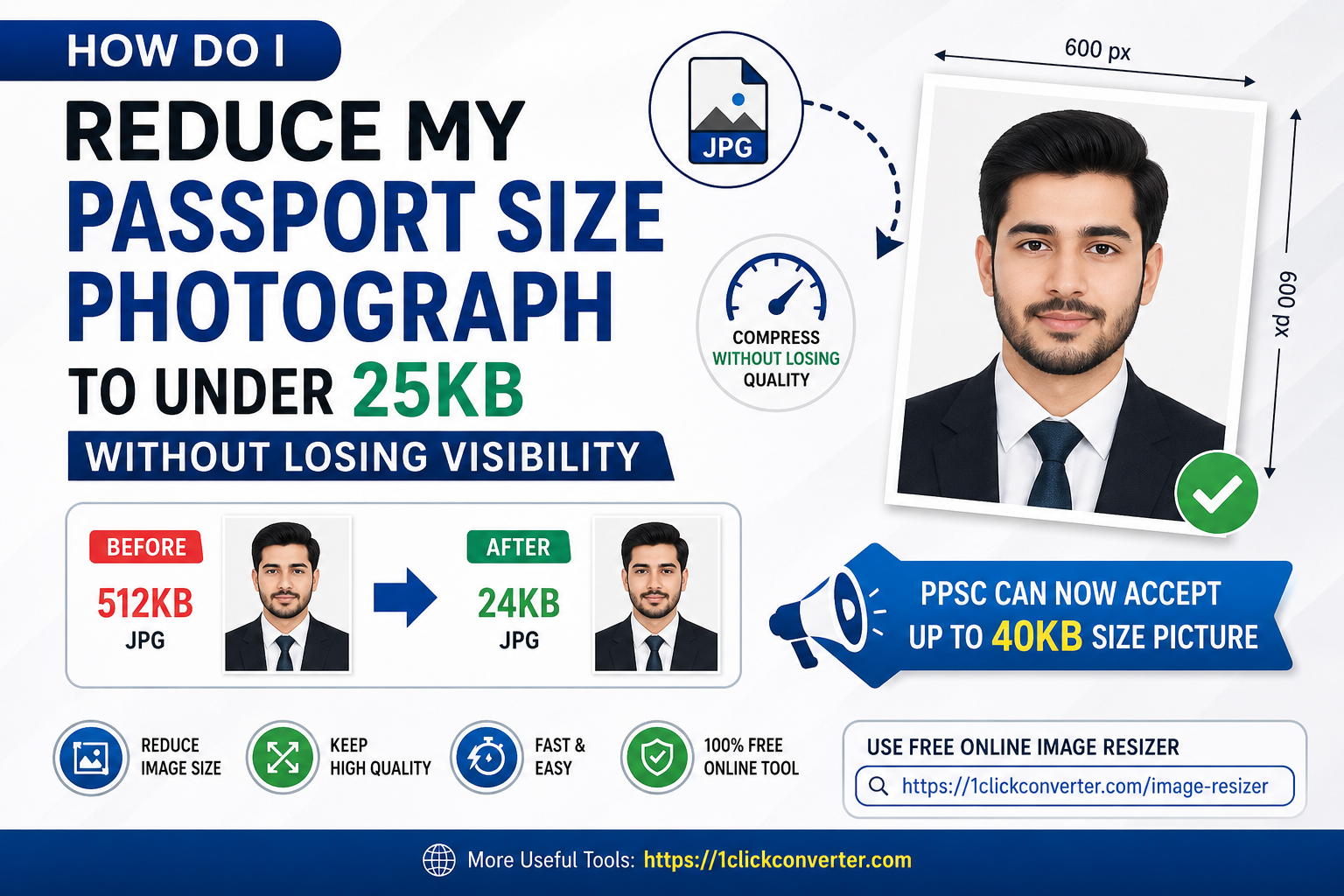
Passport-size photographs are required almost everywhere today. Whether you are applying for government jobs, university admissions, visas, online registrations, or identity verification, uploading a correctly resized image is essential. Unfortunately, many people struggle with blurry images after compression. That is why thousands of users search daily for ways to resize passport photo without losing quality.
The good news is that modern online image tools make the process simple and fast. You no longer need Photoshop or expensive editing software. With a reliable online image resizer, you can resize your passport photo within seconds while maintaining clear visibility.
In this complete guide, you will learn:
- How to Resize Passport Photo Without Losing Quality
- Best image dimensions for applications
- How to maintain image quality
- Common resizing mistakes
- Best free online tools to use
Why Passport Photo Size Matters
Most online portals have strict image requirements. If your passport photo is too large or incorrectly sized, the upload may fail instantly.
Government and educational portals often require:
- Specific image dimensions
- Limited file size
- JPG or JPEG format
- Clear face visibility
This applies to platforms like:
Learning how to resize passport photo without losing quality helps applicants avoid rejection and save time.
Best Tool to Resize Passport Photo Without Losing Quality
One of the easiest tools available is:
1ClickConverter Image Resizer
This free online tool allows users to:
- Resize passport-size images
- Compress image files
- Maintain image quality
- Convert formats
- Work on mobile and desktop
The tool is beginner-friendly and requires no software installation.
How to Resize Passport Photo Without Losing Quality
Step 1: Open the Image Resizer Tool
Visit:
1ClickConverter
The tool opens directly in your browser.
Step 2: Upload Your Passport Photo
Select the image from:
- Mobile gallery
- Laptop
- Computer
Supported formats usually include:
- JPG
- JPEG
- PNG
Step 3: Choose Custom Dimensions
Most applications require standard passport photo dimensions.
Common sizes include:
- 300×300 pixels
- 600×600 pixels
- 35mm × 45mm
Choose dimensions according to the portal requirements.
Step 4: Adjust Compression Carefully
To resize passport photo without losing quality:
- Use medium compression
- Avoid extreme file reduction
- Preview image clarity before downloading
A good image resizer keeps the face sharp and readable.
Step 5: Download the Final Image
After resizing:
- Download the optimized image
- Check final file size
- Upload it to your application form
The process usually takes less than one minute.
Best Passport Photo Dimensions for Online Applications
Different platforms may require different sizes.
| Platform | Recommended Size |
|---|---|
| PPSC | 20KB–40KB |
| FPSC | Under 50KB |
| FIA Jobs | JPG format |
| Visa Applications | 35×45mm |
| University Admissions | 200×200 pixels |
Always check official instructions before uploading.
Tips to Maintain Image Quality While Resizing
Use a High-Resolution Original Photo
Starting with a clear image gives better compression results.
Avoid Screenshots
Screenshots reduce sharpness and quality.
Use JPG Format
JPG files compress better while maintaining acceptable quality.
Keep Proper Lighting
Bright images retain better visibility after resizing.
Do Not Crop Excessively
Overcropping can blur facial details.
Common Mistakes People Make
Overcompressing Images
Many users reduce images too much, making them blurry.
Using Random Editing Apps
Some apps add watermarks or reduce quality heavily.
Ignoring Official Guidelines
Always follow upload instructions from official websites like:
Uploading PNG Files
PNG images are often larger than JPG files.
Why Online Tools Are Better Than Photoshop
Photoshop is powerful but complicated for beginners. Online tools are easier and faster for simple resizing tasks.
Advantages include:
- No installation
- Mobile-friendly
- Free access
- Instant resizing
- Beginner-friendly interface
That is why many students and job seekers prefer:
1ClickConverter Image Resizer
for daily image resizing needs.
Mobile Users Can Resize Photos Easily
Today, most people apply for jobs and admissions using smartphones. Fortunately, modern online image tools work perfectly on:
- Android devices
- iPhones
- Tablets
This allows users to resize passport photo without losing quality directly from mobile browsers.
Other Uses of Passport Photo Resizing
Passport-size image resizing is useful for:
- Government job applications
- Visa forms
- Online exams
- Scholarships
- Student portals
- Freelancing websites
- Professional IDs
Compressed images also upload faster on slow internet connections.
Benefits of Properly Resized Passport Photos
Faster Uploads
Small image files upload quickly.
Reduced Errors
Correct file size prevents rejection.
Better Appearance
Clear photos look professional.
Saves Internet Data
Compressed images consume less bandwidth.
Frequently Asked Questions
Can I resize passport photo without losing quality completely?
A tiny quality reduction may occur, but good tools maintain visibility effectively.
Which format is best for passport photos?
JPG or JPEG is usually recommended.
Can I resize images on mobile?
Yes. Online tools work perfectly on smartphones.
Is online resizing safe?
Trusted platforms like:
1ClickConverter
provide browser-based processing and are convenient for users.
Final Words
Online applications are increasing rapidly across Pakistan and worldwide. Whether you are applying through PPSC, FPSC, or FIA Recruitment, understanding how to resize passport photo without losing quality can help you avoid upload errors and improve your application experience.
Instead of using complicated software, you can quickly resize and compress your images online using:
1ClickConverter Image Resizer
It is fast, free, mobile-friendly, and ideal for students, job seekers, and professionals.