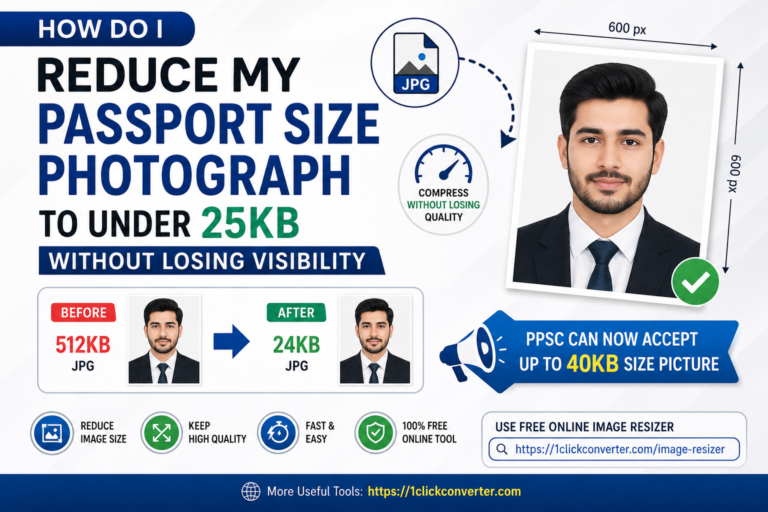
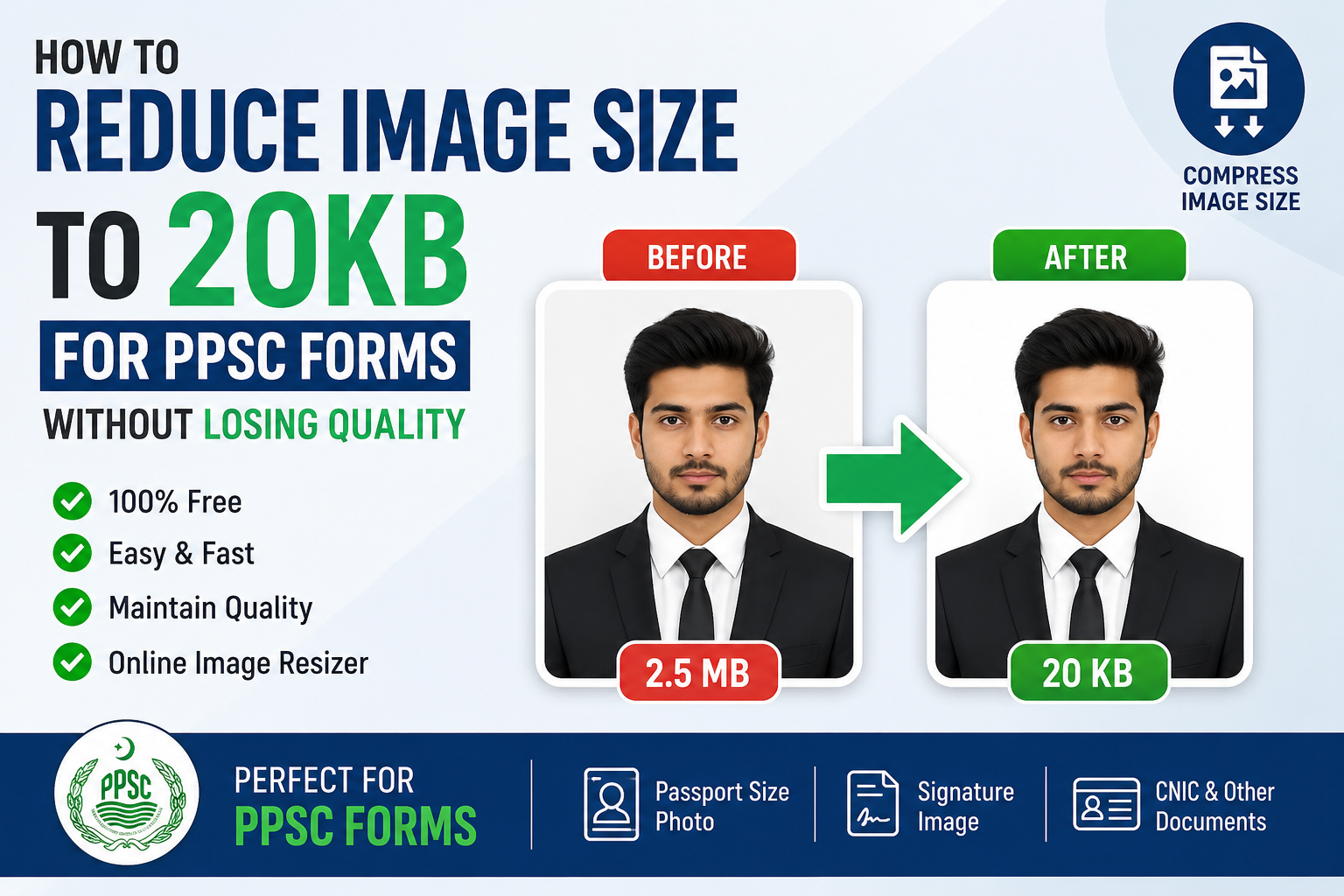
Applying for government jobs in Pakistan has become easier because most recruitment processes are now online. However, many applicants still face one frustrating issue: their image size exceeds the allowed upload limit. If you are applying through the official PPSC Website, your passport-size photo often needs to stay within a specific KB limit. That is why many users search for ways to reduce image size to 20KB for PPSC forms.
The good news is that you do not need expensive software or advanced editing skills. With modern online tools, you can compress and resize your image in seconds while keeping it clear and professional.
In this complete guide, you will learn:
- Why PPSC image size matters
- How to Reduce Image Size to 20KB for PPSC Forms
- Best online tools to use
- Common mistakes to avoid
- Tips for maintaining image quality
Why PPSC Has Image Size Requirements
The Punjab Public Service Commission (PPSC) manages thousands of online applications every month. To keep their servers optimized and application forms fast, they restrict image upload sizes.
Usually, applicants need:
- Passport-size photograph
- CNIC copy
- Signature image
If your file exceeds the limit, the website may show errors like:
- File size too large
- Upload failed
- Invalid image size
This is why learning how to reduce image size to 20KB for PPSC forms is extremely important for candidates.
Best Way to Reduce Image Size to 20KB
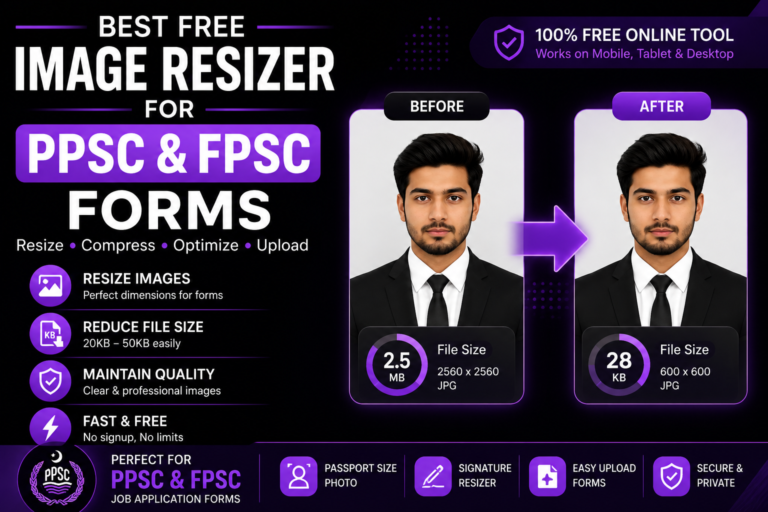
The easiest method is using an online image resizer tool. Instead of manually editing dimensions and compression settings, automated tools instantly optimize your image.
One of the easiest options is:
1ClickConverter Image Resizer
This free tool allows users to:
- Compress images online
- Reduce Image Size to 20KB for PPSC Forms
- Resize passport photos
- Reduce JPG size instantly
- Maintain image visibility
- Work on both mobile and desktop
You do not need Photoshop or any software installation.
Step-by-Step Guide to Reduce Image Size to 20KB for PPSC Forms
Step 1: Open the Online Image Resizer
Visit:
1ClickConverter Image Resizer
The tool works directly in your browser.
Step 2: Upload Your Photograph
Choose your passport-size image from:
- Mobile gallery
- Laptop
- Computer folder
Supported formats usually include:
- JPG
- JPEG
- PNG
Step 3: Select Compression Level
Adjust the image compression according to your target size.
For PPSC forms:
- Try medium compression first
- Preview the image quality
- Ensure face visibility remains clear
Step 4: Download the Optimized Image
Once the tool finishes compression:
- Download the image
- Check final file size
- Upload it to the PPSC form
This process usually takes less than 30 seconds.
Tips to Maintain Image Quality While Compressing
Many applicants worry that reducing image size will blur their photo. Fortunately, modern compression tools preserve image clarity effectively.
Follow these tips:
Use Proper Lighting
A bright original image compresses better than dark photos.
Avoid Screenshots
Use original camera images instead of cropped screenshots.
Use JPG Format
JPG files are easier to compress than PNG files.
Do Not Overcompress
Extreme compression may make your face unclear.
Keep Standard Passport Dimensions
Most passport photos work best around:
- 300×300 pixels
- 600×600 pixels
Common Mistakes Applicants Make
Uploading Huge Camera Files
Modern smartphones capture images above 5MB. These files are unnecessarily large for online forms.
Using Blurry Photos
Overcompressed images can cause verification issues.
Ignoring Official Instructions
Always read guidelines on the official PPSC Website before uploading.
Using Untrusted Tools
Some websites add watermarks or reduce image quality badly.
Why Online Image Resizers Are Better Than Software
Many users think they need Photoshop for resizing images. In reality, online tools are much faster and beginner-friendly.
Advantages include:
- No installation required
- Works on mobile phones
- Instant compression
- Beginner-friendly interface
- Free access
For students and job seekers, tools like:
1ClickConverter
can save significant time during online applications.
Other Government Applications That Need Small Image Sizes
Learning how to Reduce Image Size to 20KB for PPSC Forms is useful beyond PPSC applications.
You may also need compressed images for:
- FPSC applications
- FIA Recruitment forms
- University admissions
- Scholarship applications
- NADRA uploads
- Online test registrations
This skill is becoming essential for every student and job applicant in Pakistan.
Best File Formats for PPSC Uploads
JPG/JPEG
Best overall format because:
- Small file size
- Good quality
- Accepted widely
PNG
Useful for signatures but usually larger in size.
Sometimes required for documents and challans.
For PDF compression and conversions, you can also explore:
1ClickConverter PDF Tools
Mobile Users Can Easily Resize Images Too
You do not need a computer anymore. Most online image resizers work perfectly on:
- Android phones
- iPhones
- Tablets
This is especially helpful for students in remote areas who apply for jobs using mobile internet.
Frequently Asked Questions
Can I Reduce Image Size to 20KB for PPSC Forms?
Yes. Most online image resizer tools allow precise compression targeting.
Will image quality decrease?
A small quality reduction may happen, but good tools maintain visibility.
Is online image compression safe?
Trusted websites like:
1ClickConverter
provide safe browser-based processing.
Which format is best for PPSC photos?
JPG or JPEG is usually recommended.
Final Words
Online applications are now a major part of government recruitment in Pakistan. Whether you are applying for jobs through PPSC, FPSC, or FIA Recruitment, understanding how to reduce image size to 20KB for PPSC forms can save you from upload errors and application rejection.
Instead of wasting time with complicated software, you can quickly compress your images online using:
1ClickConverter Image Resizer
The process is simple, fast, mobile-friendly, and ideal for students, job seekers, and professionals across Pakistan.