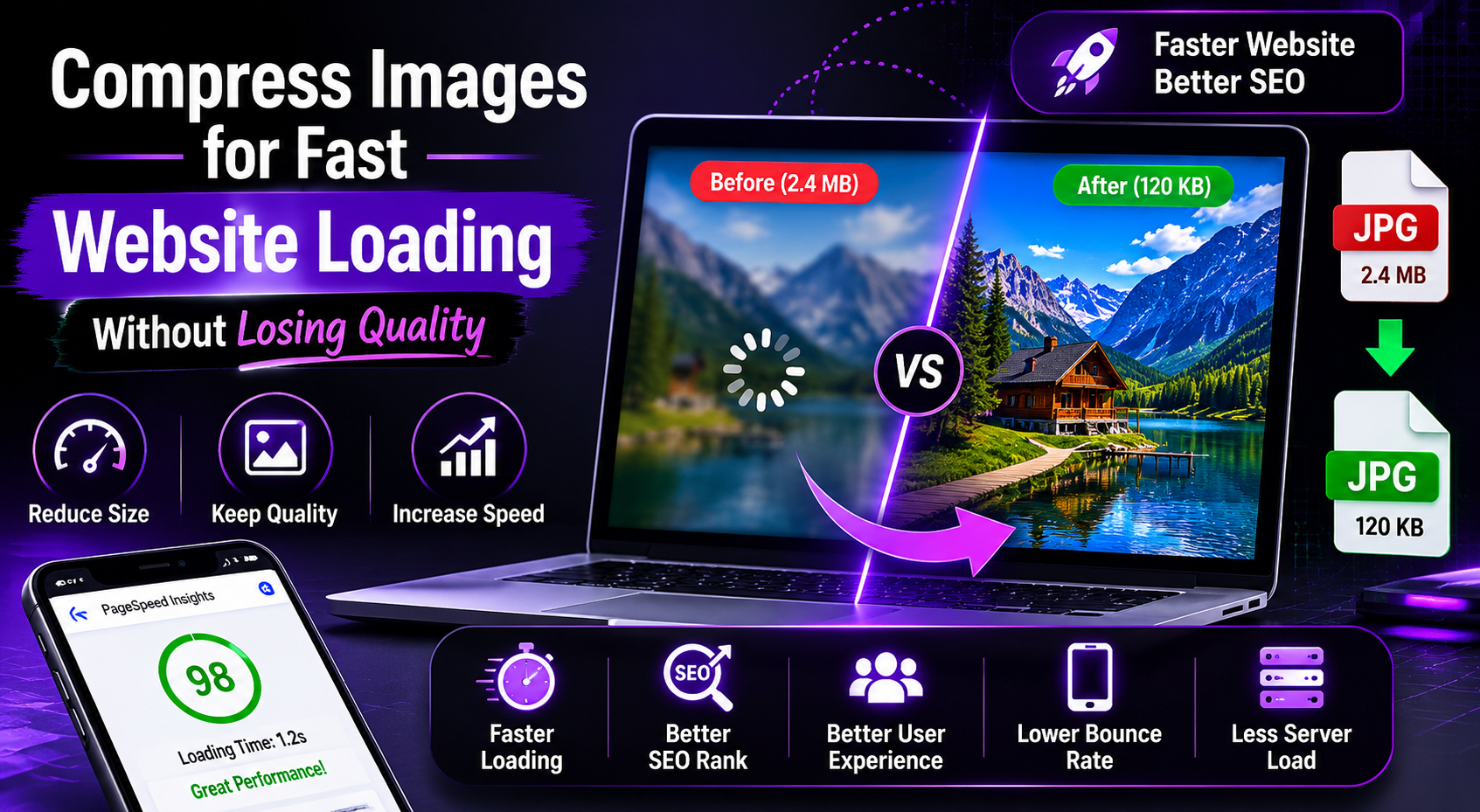
Website speed has become one of the biggest ranking factors in modern SEO. If your website loads slowly, visitors leave quickly and search engines may reduce your rankings. One of the most common reasons for slow websites is oversized images. That is why many bloggers and website owners search for ways to compress images for fast website loading.
Whether you run:
- A blog
- E-commerce store
- Portfolio website
- News site
- Educational website
image optimization can dramatically improve loading speed and SEO performance.
In this guide, you will learn:
- Why image compression matters
- Compress Images for Fast Website Loading and improve SEO
- Best free image compression tools
- Tips to maintain image quality
- Common image optimization mistakes
Why Website Speed Matters for SEO
Search engines like Google Search Central prioritize websites that load quickly and provide better user experience.
Slow websites often suffer from:
- Higher bounce rates
- Lower rankings
- Poor mobile performance
- Reduced conversions
Large images are usually the biggest cause of slow page loading.
Learning how to compress images for fast website loading can help improve:
- SEO rankings
- User experience
- Mobile speed
- Core Web Vitals
What Is Image Compression?
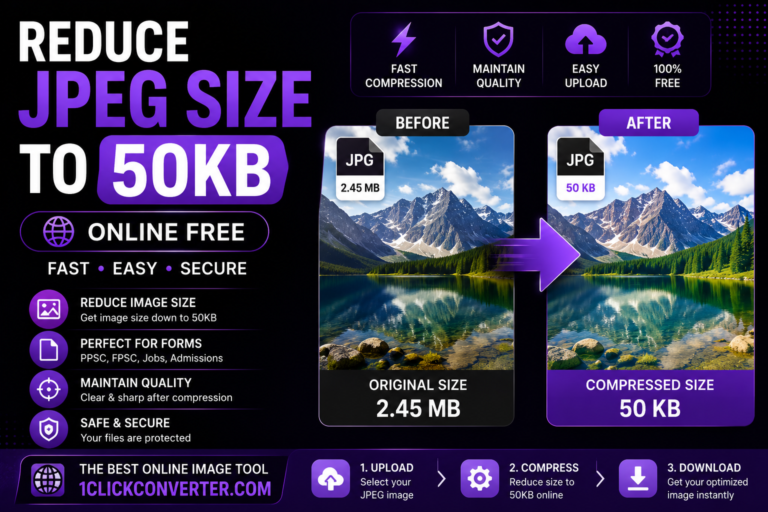
Image compression means reducing file size without significantly affecting visual quality.
Compression helps:
- Pages load faster
- Reduce server bandwidth
- Improve mobile performance
- Save storage space
Optimized images are essential for modern websites.
Best Free Tool to Compress Images for Fast Website Loading
One of the easiest tools available is:
1ClickConverter Image Compressor
This online tool allows users to:
- Compress JPG images
- Reduce PNG file sizes
- Resize photos
- Maintain image quality
- Compress Images for Fast Website Loading
It works on:
- Mobile phones
- Tablets
- Laptops
- Desktop browsers
without requiring software installation.
How to Compress Images for Fast Website Loading
Step 1: Open the Online Compressor
Visit:
1ClickConverter
Open the image compression tool directly in your browser.
Step 2: Upload Your Image
Choose the image from your device.
Supported formats usually include:
- JPG
- JPEG
- PNG
- WEBP
Step 3: Select Compression Level
For websites:
- Use moderate compression
- Keep image clarity balanced
- Avoid excessive optimization
A properly compressed image should remain visually attractive while loading quickly.
Step 4: Download Optimized Image
After processing:
- Download the compressed image
- Replace original website images
- Test page speed improvements
The process usually takes only a few seconds.
How Image Compression Improves SEO
Faster Loading Speed
Compressed images reduce page load time.
Better Mobile Performance
Mobile users benefit from smaller image files.
Improved Core Web Vitals
Google measures page speed and visual stability.
Reduced Bounce Rate
Visitors stay longer on faster websites.
Better User Experience
Quick-loading pages improve engagement.
Ideal Image Sizes for Websites
Different image types require different optimization.
| Image Type | Recommended Size |
|---|---|
| Blog Featured Image | 100KB–300KB |
| Product Images | Under 200KB |
| Thumbnails | Under 50KB |
| Logos | SVG or optimized PNG |
| Background Images | Compressed JPG |
Keeping file sizes optimized improves website speed significantly.
Best Image Formats for Websites
JPG/JPEG
Best for:
- Blog images
- Photographs
- Featured images
Advantages:
- Small file size
- Good quality
- Fast loading
PNG
Best for:
- Transparent backgrounds
- Logos
- Icons
However, PNG files are usually larger.
WEBP
Modern format supported by many browsers.
Advantages:
- Excellent compression
- Smaller file sizes
- Better website performance
Common Image Optimization Mistakes
Uploading Huge Camera Images
Modern smartphones create extremely large image files.
Ignoring Compression
Uncompressed images slow down websites heavily.
Overcompressing Images
Extreme compression can make images blurry.
Using Wrong Formats
PNG images may unnecessarily increase file sizes.
Tips to Maintain Image Quality
Start With High-Quality Images
Clear original images compress better.
Resize Before Uploading
Avoid uploading huge dimensions.
Use Modern Compression Tools
Reliable tools preserve image clarity.
Avoid Multiple Compression Cycles
Repeated compression can reduce quality.
Why Bloggers Need Fast Websites
Faster websites:
- Rank higher in Google
- Improve user engagement
- Increase ad revenue
- Boost affiliate conversions
That is why many bloggers use:
1ClickConverter
to optimize blog images quickly.
Best Practices for Featured Images
Featured images should:
- Be visually attractive
- Load quickly
- Use proper dimensions
- Stay under optimized file sizes
Heavy featured images can slow down homepage performance dramatically.
Mobile Optimization Is Essential
Most internet users now browse websites using smartphones. Slow-loading pages can frustrate mobile users quickly.
Compressed images help:
- Save mobile data
- Improve loading speed
- Increase user retention
This is especially important in countries with slower internet connections.
Other Useful File Optimization Tools
Besides image compression, website owners often need:
- PDF compression
- JPG to WEBP conversion
- Image resizing
- File conversion tools
You can explore multiple free tools on:
1ClickConverter
Frequently Asked Questions
Does image compression reduce quality?
A small quality reduction may occur, but good tools maintain visual clarity effectively.
Which image format is best for websites?
JPG and WEBP are usually best for speed optimization.
Can I compress images on mobile?
Yes. Online image compressors work perfectly on smartphones.
Is image compression important for SEO?
Yes. Faster loading speed improves rankings and user experience.
Final Words
Website speed plays a major role in SEO and user experience. Large images can slow down even the best-designed websites. Learning how to compress images for fast website loading helps bloggers, businesses, and developers improve page performance and search rankings.
Instead of using complicated software, you can quickly optimize images online using:
1ClickConverter Image Compressor
It is fast, free, beginner-friendly, and perfect for website image optimization.